The illustrated guide
30 pages of checklists, worked examples and diagrams. Learn the concepts alongside the tasks they help you do.
 Get the free guide
 A free, practical guide by Kyle Balmer
Start with a useful chat.
End up building things.
If I was learning AI from scratch, this is the path I would take. Follow along with real tasks, illustrated checklists and prompts you can make your own.
Get the free guide30 illustrated pages · 17 editable prompts · Free
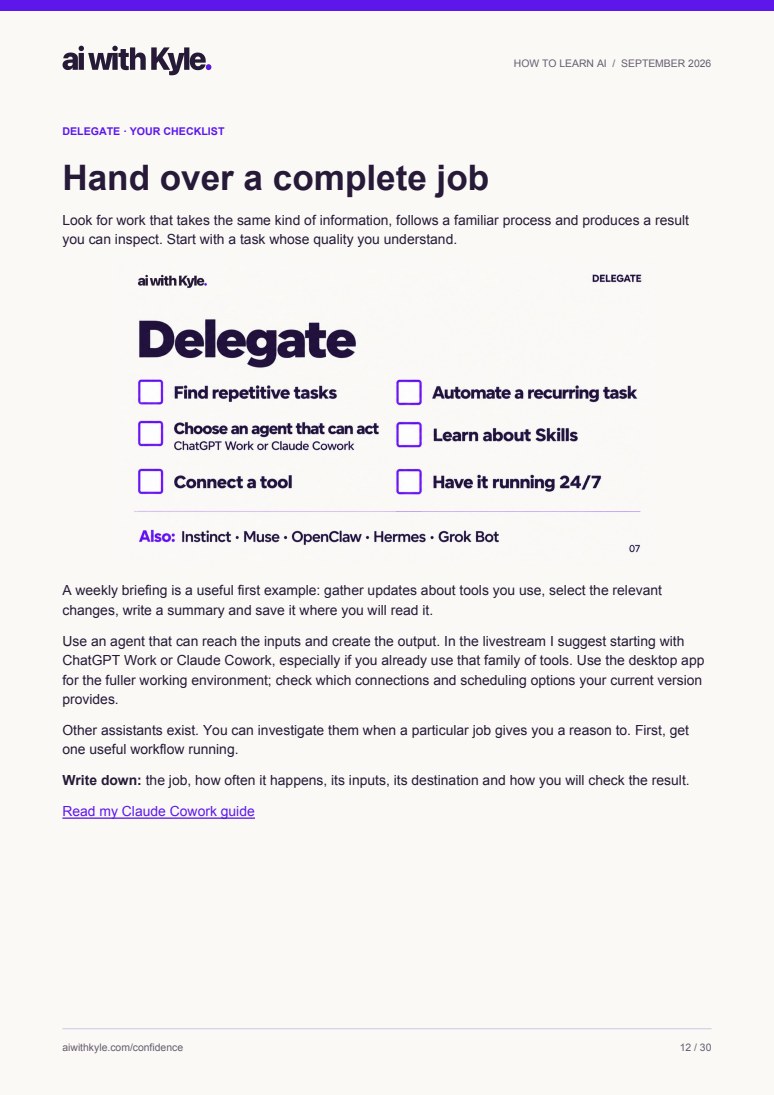
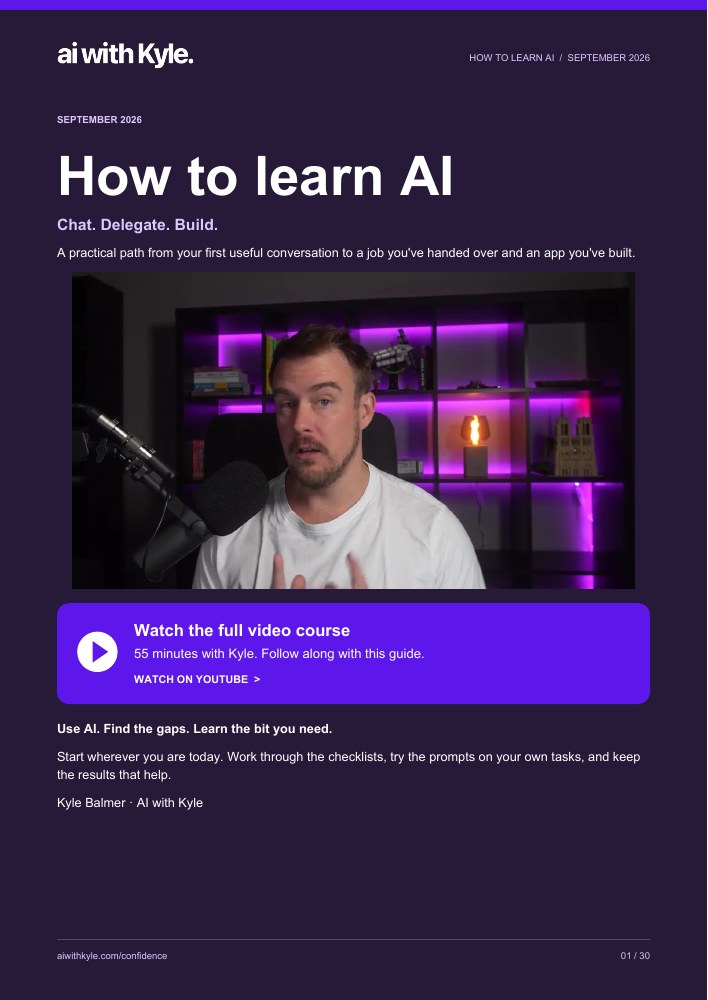
Take a look inside
Start where you are. Each stage gives you a checklist, a worked example, and enough explanation to take the next step.
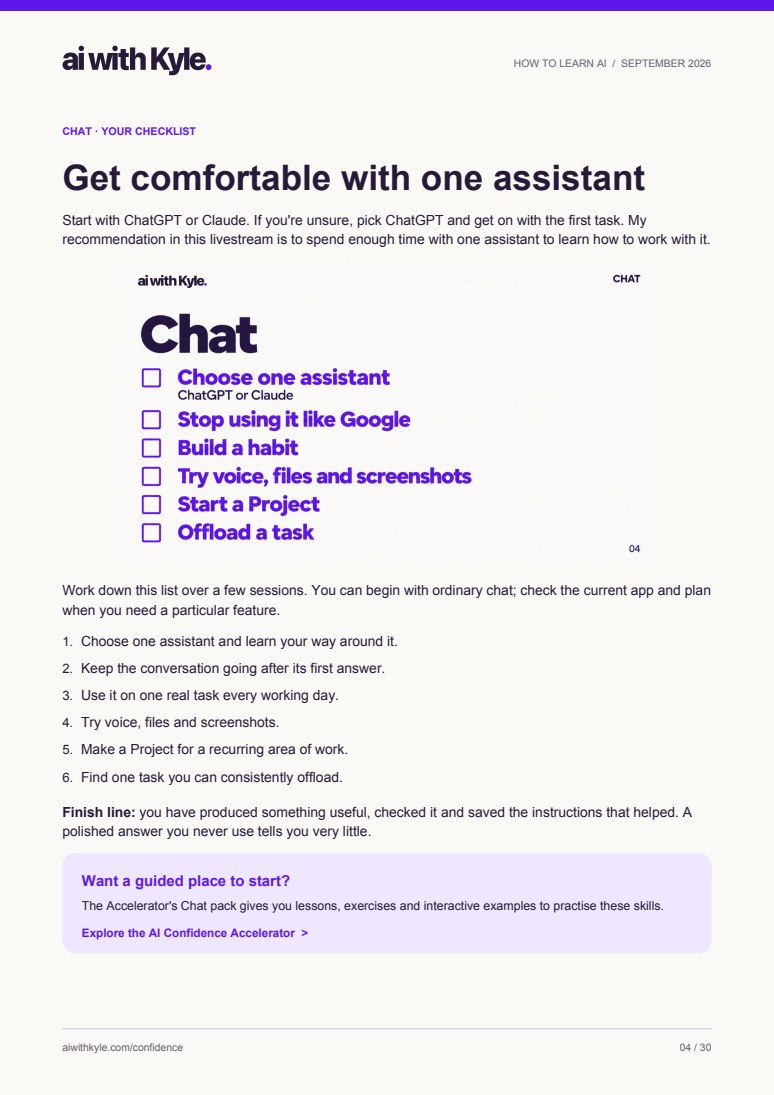
Pages 4–10
Give AI the context it needs. Try voice, bring your files, and organise ongoing work in Projects. Use RISEN when a task needs a clearer brief.
17 prompts you can edit
The prompt pack comes as a plain-text file. Copy a prompt, change the details, and use it with your AI assistant.
Brief a task with RISEN. Set up a Project. Delegate with 4S. Build your first app. Test it. Fix a bug.
“Prepare a briefing on changes to [tools I use] during [date range]. My work is [describe work], and I care most about [tasks or features].”
Choose the job, set its scope, supervise the first run and check the finished briefing. The guide walks through each part.
Keep it next to you as you practise
30 pages of checklists, worked examples and diagrams. Learn the concepts alongside the tasks they help you do.
17 prompts for everyday work, delegation and building. Adapt them to your own business and projects.
Seven practice sessions, a resource shelf, and links to my guides and video walkthroughs when you want to go further.
Your next step
Get the complete guide and all 17 prompts. Choose a job you already need to do, and work through it with AI.
No. You can start with Chat and work up to Build. The guide explains the technical terms as you meet them.
The Chat exercises work with assistants such as ChatGPT or Claude. Later sections introduce tools for delegation and building. You can choose one task and use what you already have.
Yes. The PDF and prompt pack are free. Some tools mentioned in the guide have paid plans; you can choose which exercises and tools suit you.