 Free Resource
GitHub For Beginners In 15 Minutes
Get the non-technical beginner walkthrough for GitHub: what it actually is, the five terms you need, how to install GitHub Desktop, make your first repo, and connect it to Lovable, Claude Code, Codex, or Cursor.
Inside the bundle
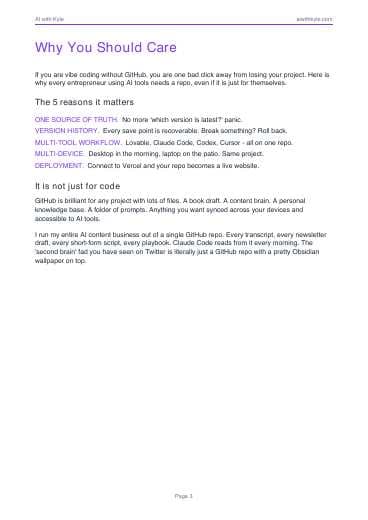
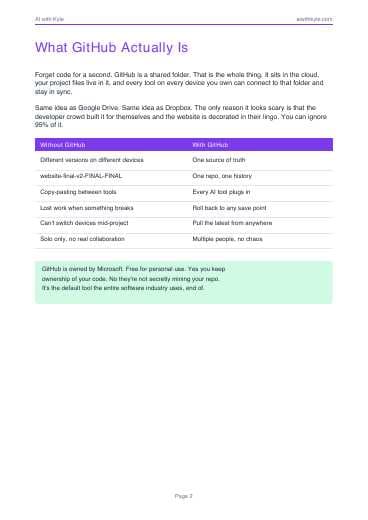
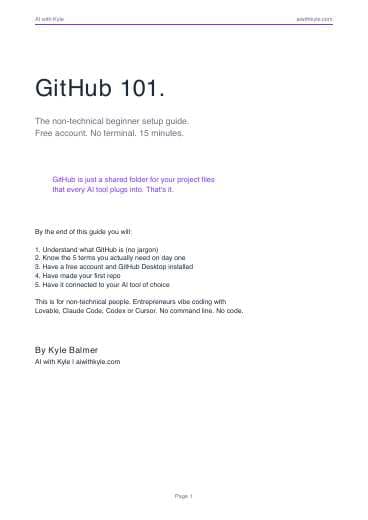
GitHub 101 Beginner Guide (PDF)
The written beginner guide to repos, commits, GitHub Desktop, AI-tool setup, and first deployment.
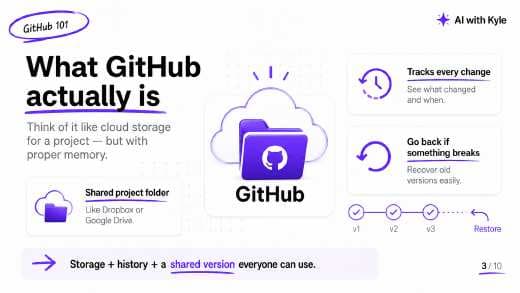
GitHub 101 Slide Deck (PDF)
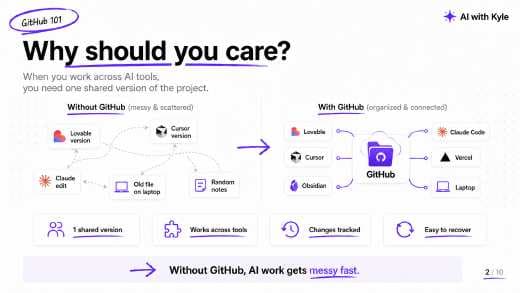
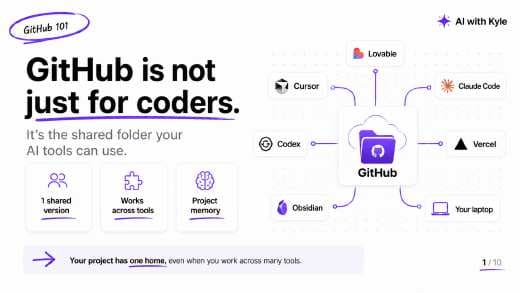
The slide deck version of the non-technical GitHub setup walkthrough for AI builders.
Watch the full video guide
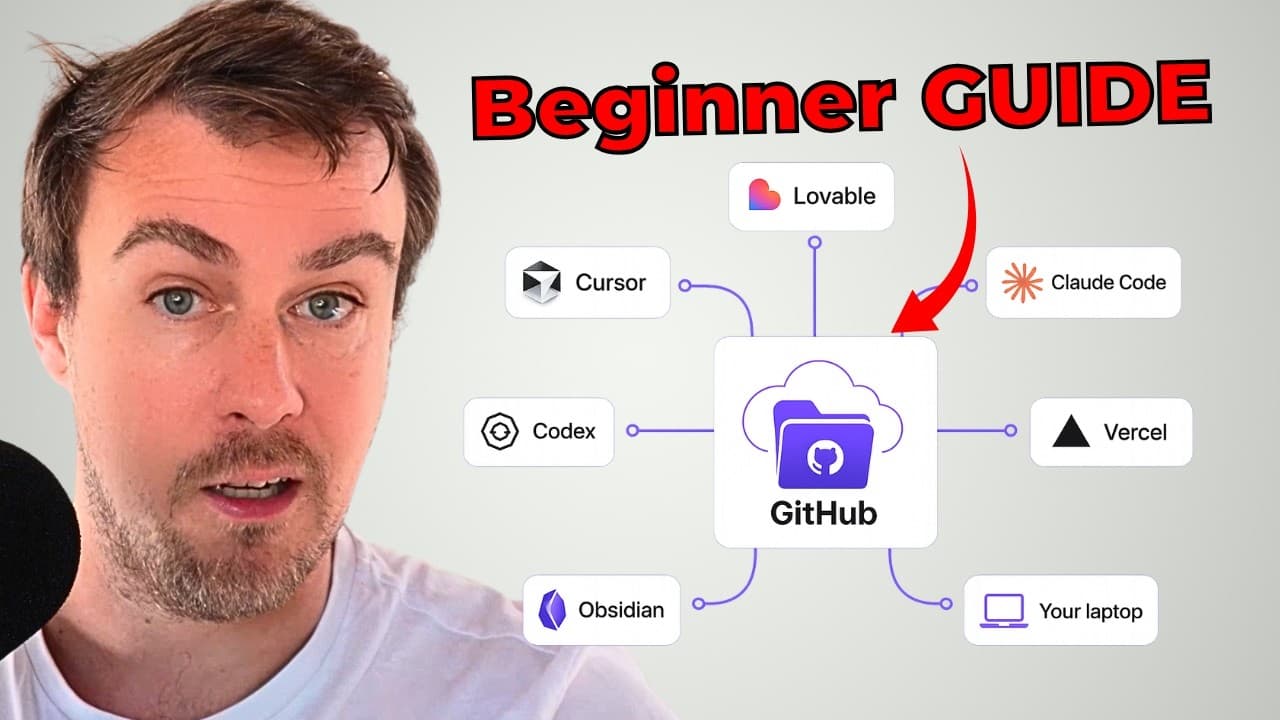
Watch Kyle's full walkthrough: GitHub for beginners: connect AI tools and never lose work.
Instant Access
Get the guide + slide deck
Enter your email and I will send both files right away.
In this bundle
You'll be subscribed to the AI with Kyle newsletter. Unsubscribe any time.
What You'll Walk Away With
Understand GitHub in plain English instead of getting buried in developer jargon.
Set up a free account, GitHub Desktop, and your first private repo without touching the terminal.
Use one repo as the source of truth across Lovable, Claude Code, Codex, and Cursor.
Connect GitHub to Vercel so your repo can become a live website in a few clicks.