 Free Resource
First Steps in Vibe Coding
Skip setup chaos. Use the exact beginner loop Kyle teaches: prompt, preview, feedback, repeat.
Inside the bundle
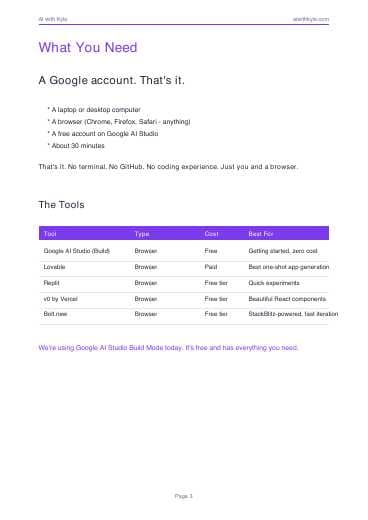
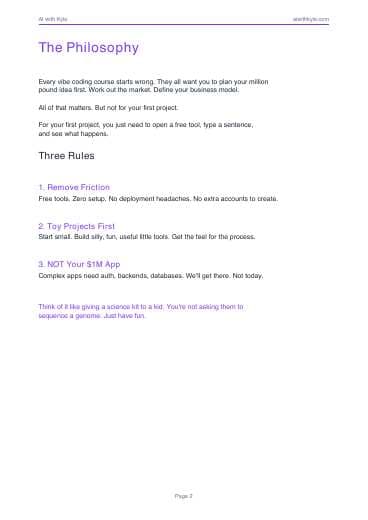
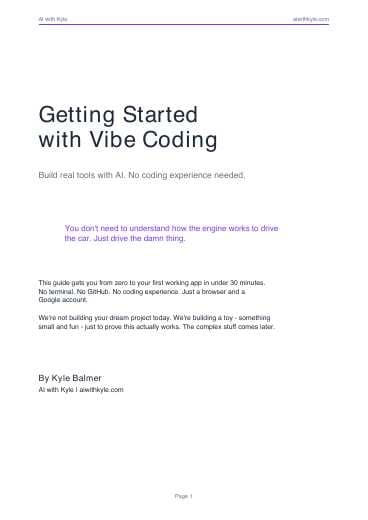
First Steps Guide (PDF)
The written beginner guide to your first 30-minute vibe coding build.
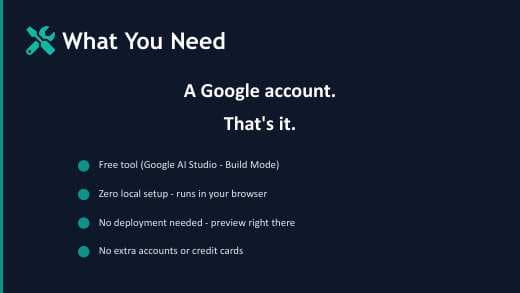
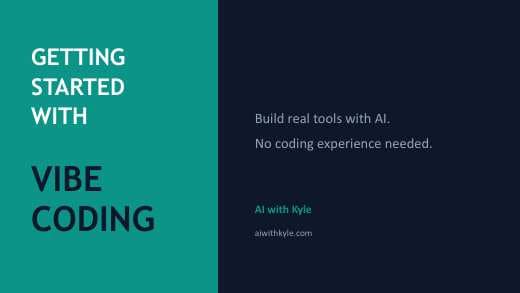
Getting Started Slide Deck (PDF)
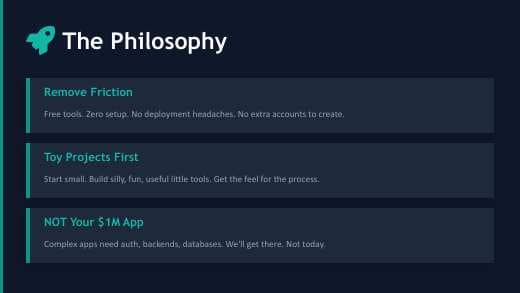
The visual walkthrough of tools, loop, and starter workflow.
Watch the full video guide
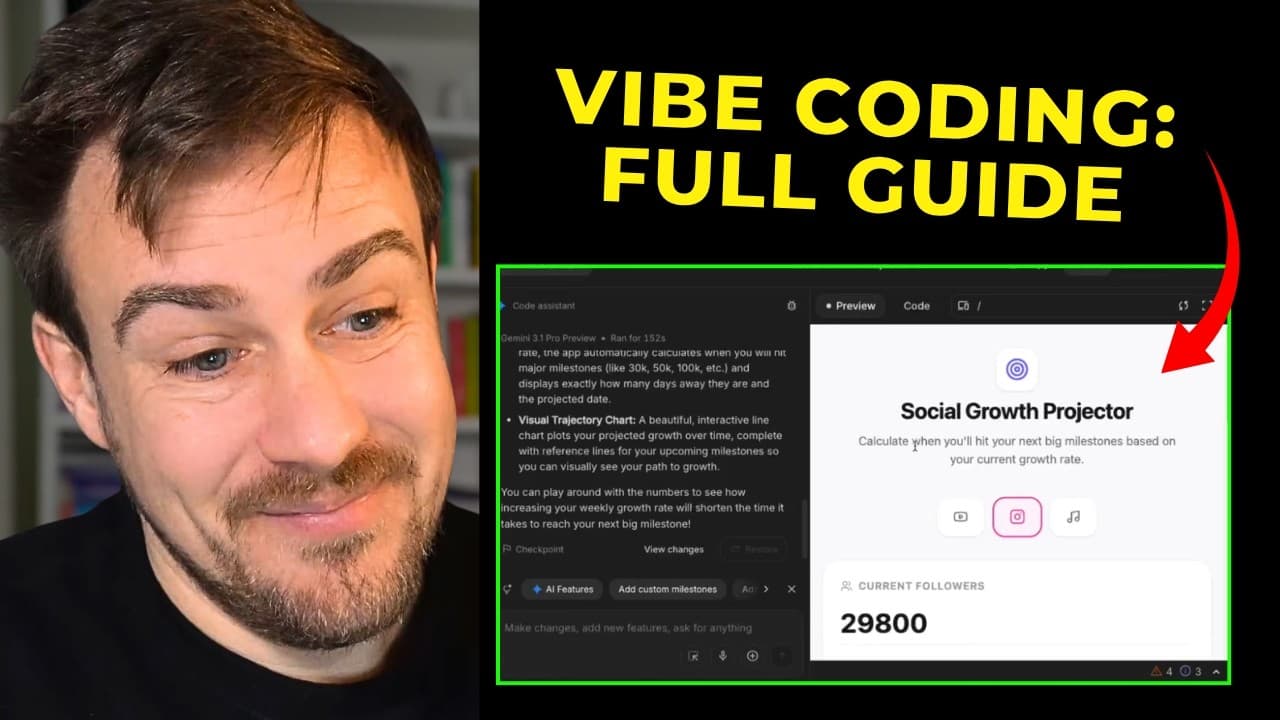
Watch Kyle's full walkthrough: How to start vibe coding for free.
Instant Access
Get the guide + slide deck
Enter your email and I will send both files right away.
In this bundle
You'll be subscribed to the AI with Kyle newsletter. Unsubscribe any time.
What You'll Walk Away With
Build your first working app in a browser with no coding background.
Use the low-friction setup: Google AI Studio Build Mode and plain-English prompts.
Apply the Vibe Coding Loop to fix bugs fast without reading stack traces.
Level up from toy builds to real projects with a simple planning workflow.