 Free Resource
Steer Your Real Codex Session From Your Phone
Get the setup kit and slide deck breaking down what Codex Mobile actually is, how the same threads sync across devices, and how to set up phone plus main machine in about 10 minutes.
Inside the bundle
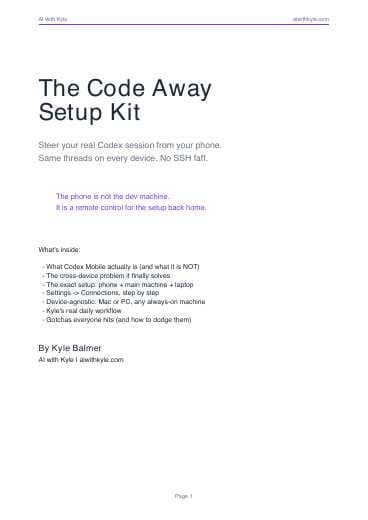
Code Away Setup Kit (PDF)
The written guide covering what Codex Mobile is, the cross-device problem it solves, the exact setup, Kyle's workflow, and the common gotchas.
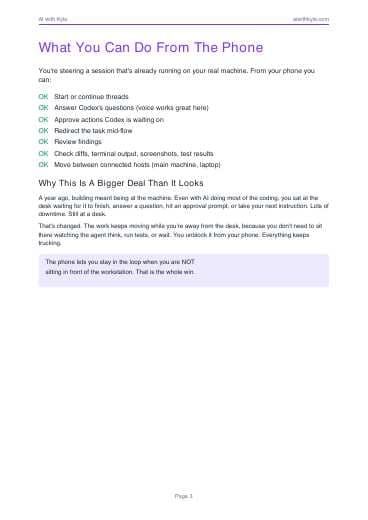
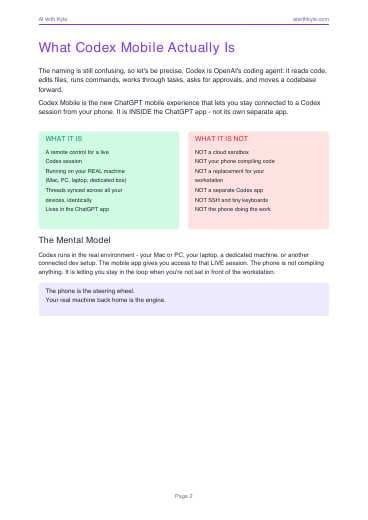
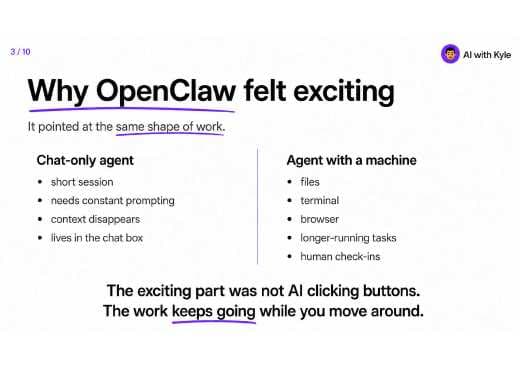
Codex Mobile Slide Deck (PDF)
The visual walkthrough of always-on vibe coding, the continuity problem, and why the phone is the steering wheel rather than the engine.
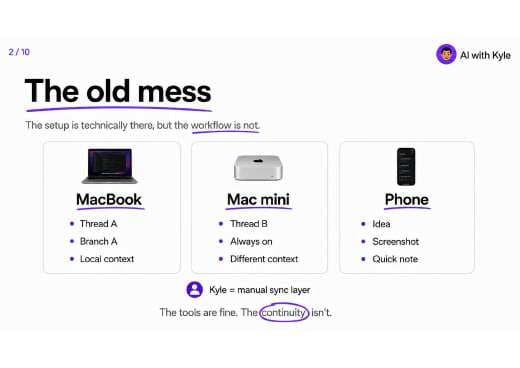
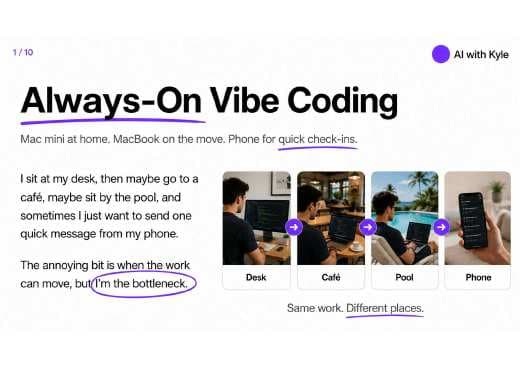
Watch the full video guide
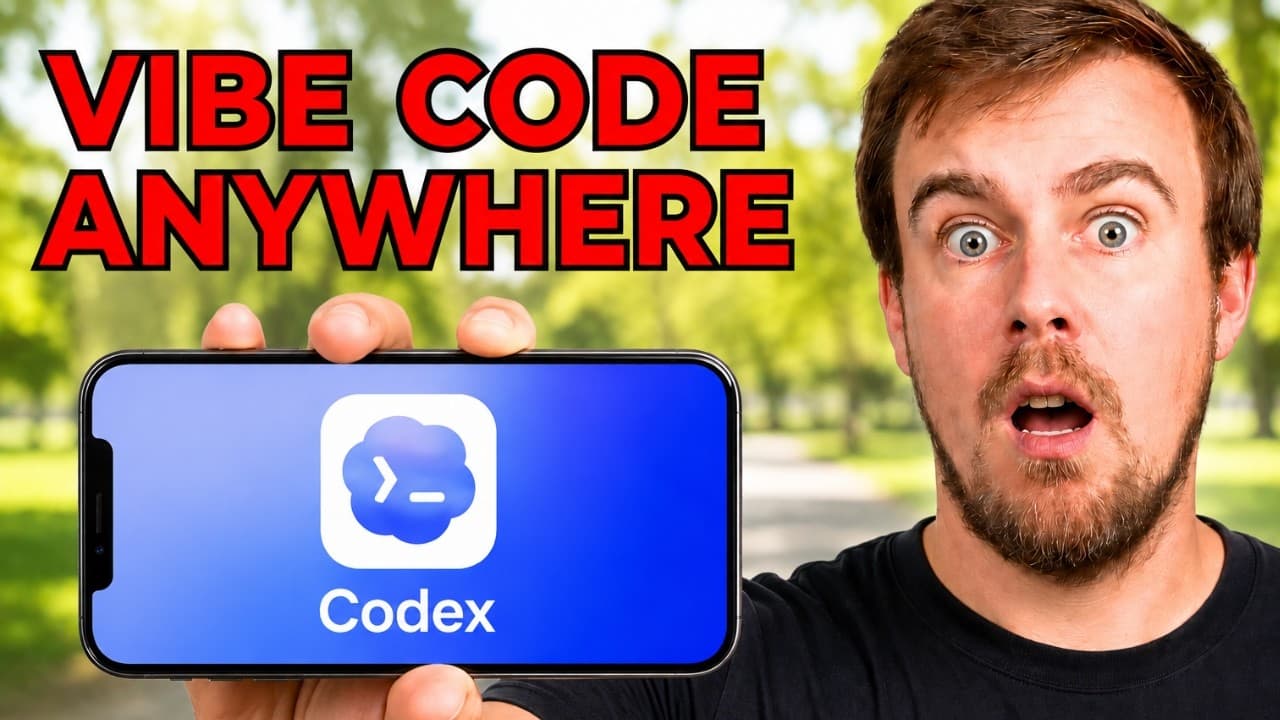
Watch Kyle's full walkthrough: Codex Mobile: vibe code from anywhere.
Instant Access
Get the setup kit + deck
Enter your email and I will send both files right away.
In this bundle
You'll be subscribed to the AI with Kyle newsletter. Unsubscribe any time.
What You'll Walk Away With
Understand what Codex Mobile is and is not: a remote control in ChatGPT, not a cloud sandbox or your phone compiling code.
Fix the cross-device continuity problem with the same live threads on your main machine, laptop, and phone.
Follow the exact Connections setup, QR pairing flow, and centralised main-machine workflow Kyle actually uses.
Avoid the gotchas that break most setups: stale apps, sleeping hosts, wrong accounts, and too many connection methods.